Guide to installing the extension.
-
First of all you need to extract the compressed .zip file to your computer disk.

-
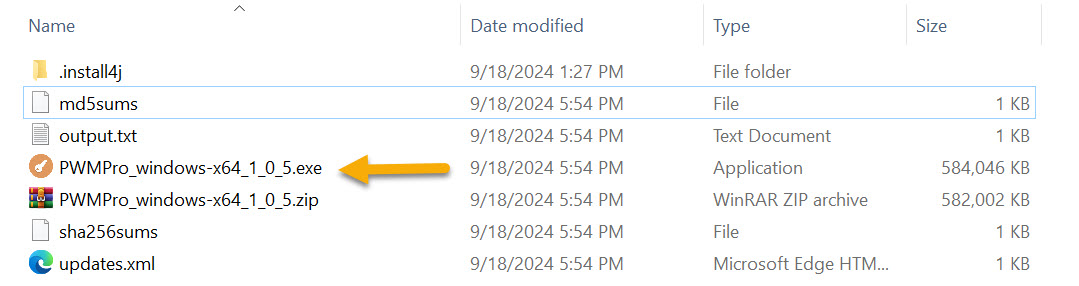
Run the .exe file.
-
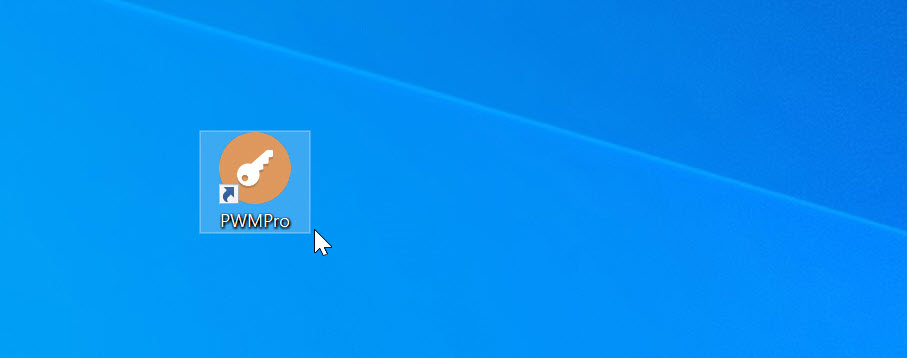
An icon with a program shortcut will appear on your computer screen, you need to run it (press it twice).
-
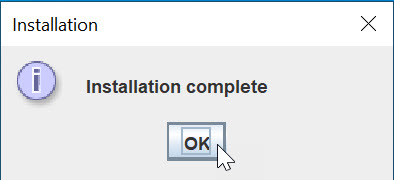
At the end of the installation process, a form with completion information and an OK button will pop up on the screen.
-
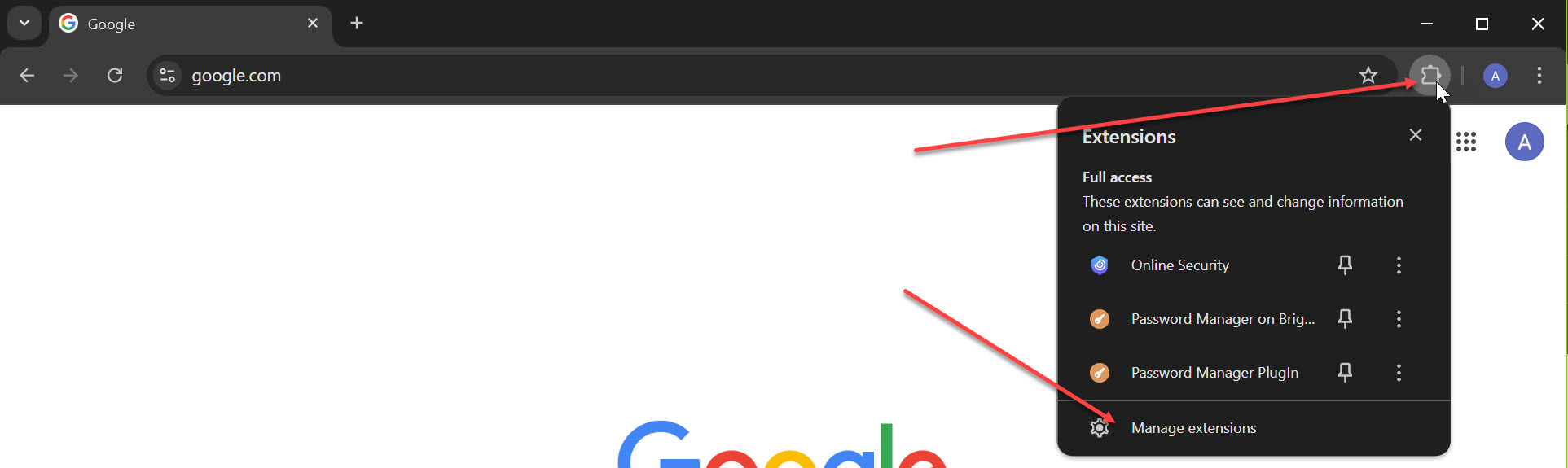
Open Google Chrome and click on the link: Google Chrome extensions.
-
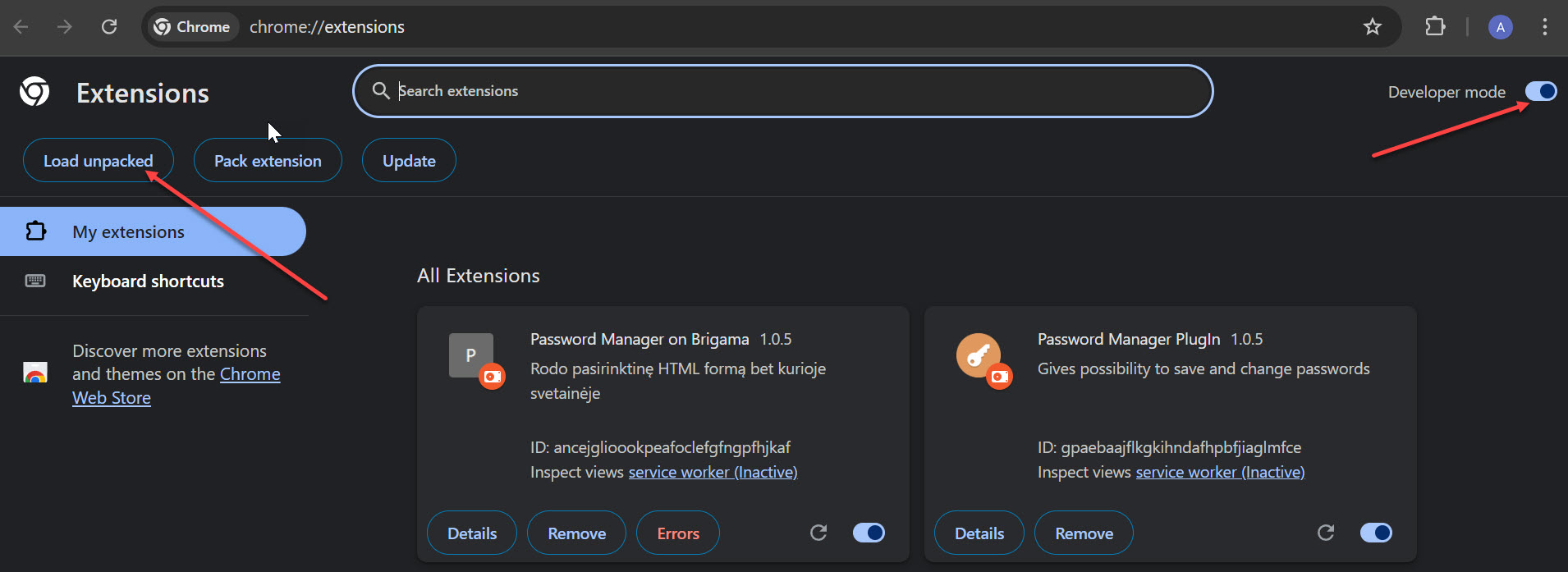
Turn on Developers Mode and only then click on the Load unpacked button.
-
Find the location of the unzipped extension where C:\PSWMger is located and select the directory that has a numeric and alphanumeric code (the code will change each time you install).
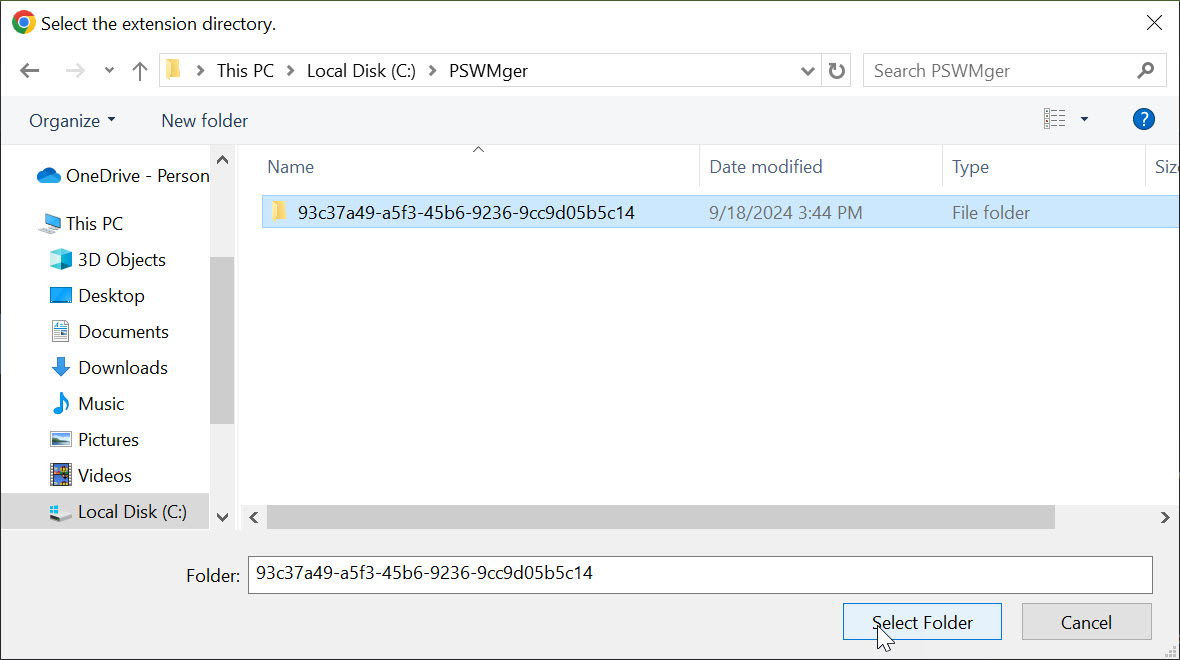
- Highlight the selected folder and push button at the bottom: select Folder.
- Good luck using program, we look forward to your feedback and comments.
Please Login first!
LogIn to DOWNLOAD
×
![]()